
From Deployment to Optimization
Five steps to understanding what actually drives your revenue.
Deploy
Add a lightweight tracking snippet to your website, either directly or via your tag manager. The snippet captures sessions, UTMs, referrers, and page views without slowing your site.
- Simple copy-and-paste setup or tag manager deployment
- First-party tracking that works across all browsers
- No impact on page load speed
- Works with any website or e-commerce platform
Map
Easily integrate your ad platforms for automatic spend import. Upload offline sales and transactions via CSV. Revenue flows into attribution automatically.
- Easily integrate Google Ads, LinkedIn Ads, Meta, and more
- Shopify transaction sync
- CSV upload for offline sales and manual transactions
- Multi-location expense management
- Revenue mapped to touchpoints automatically
Track
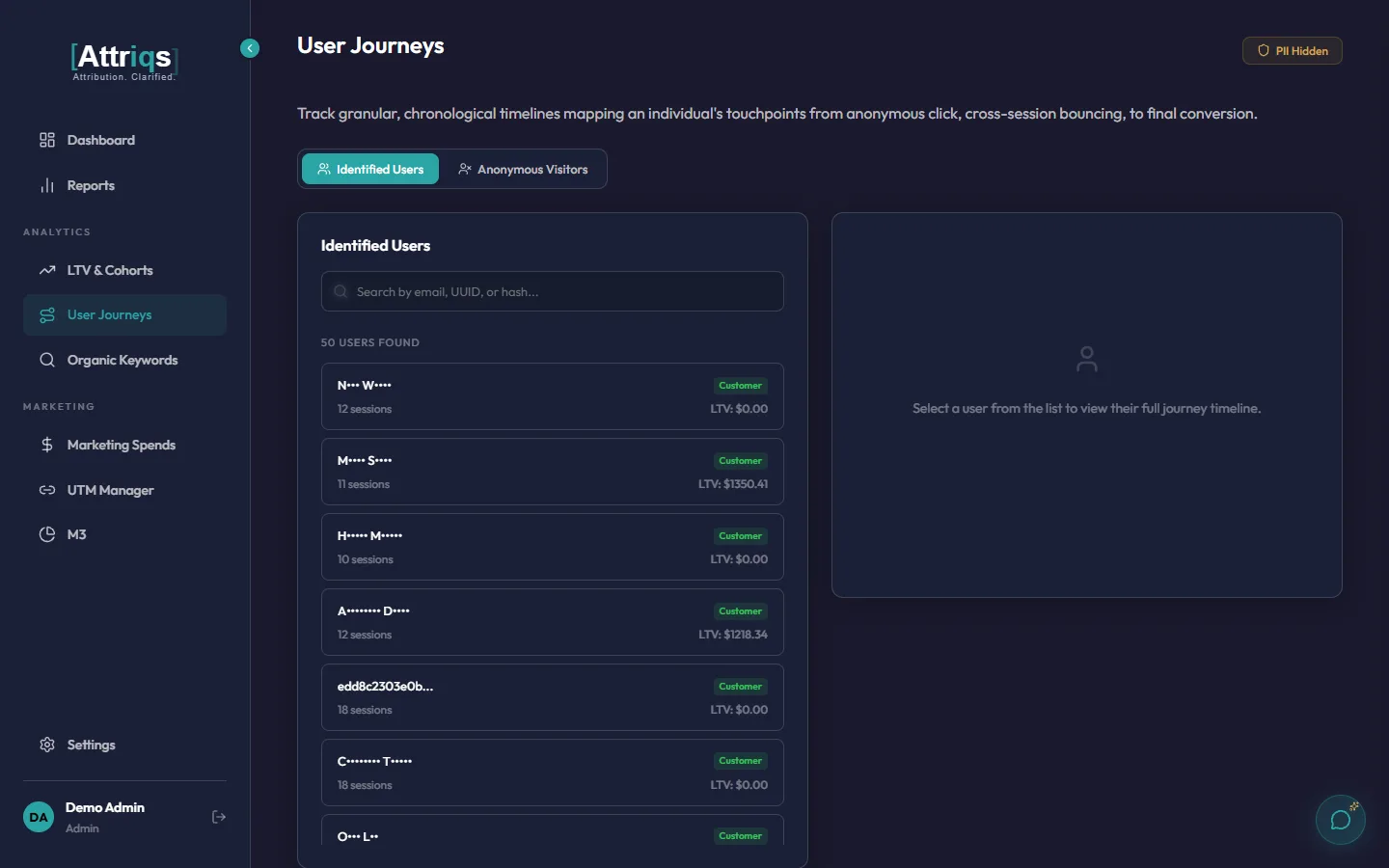
Sessions, form submissions, phone calls, and chat conversations are automatically captured and stitched to a persistent first-party identity, even across return visits weeks apart.
- Cross-session identity stitching
- Automatic UTM and referrer capture
- Phone call attribution via dynamic number insertion
- Chat attribution across 8+ platforms (auto-detected)
- Survives ad blockers and browser privacy restrictions
Model
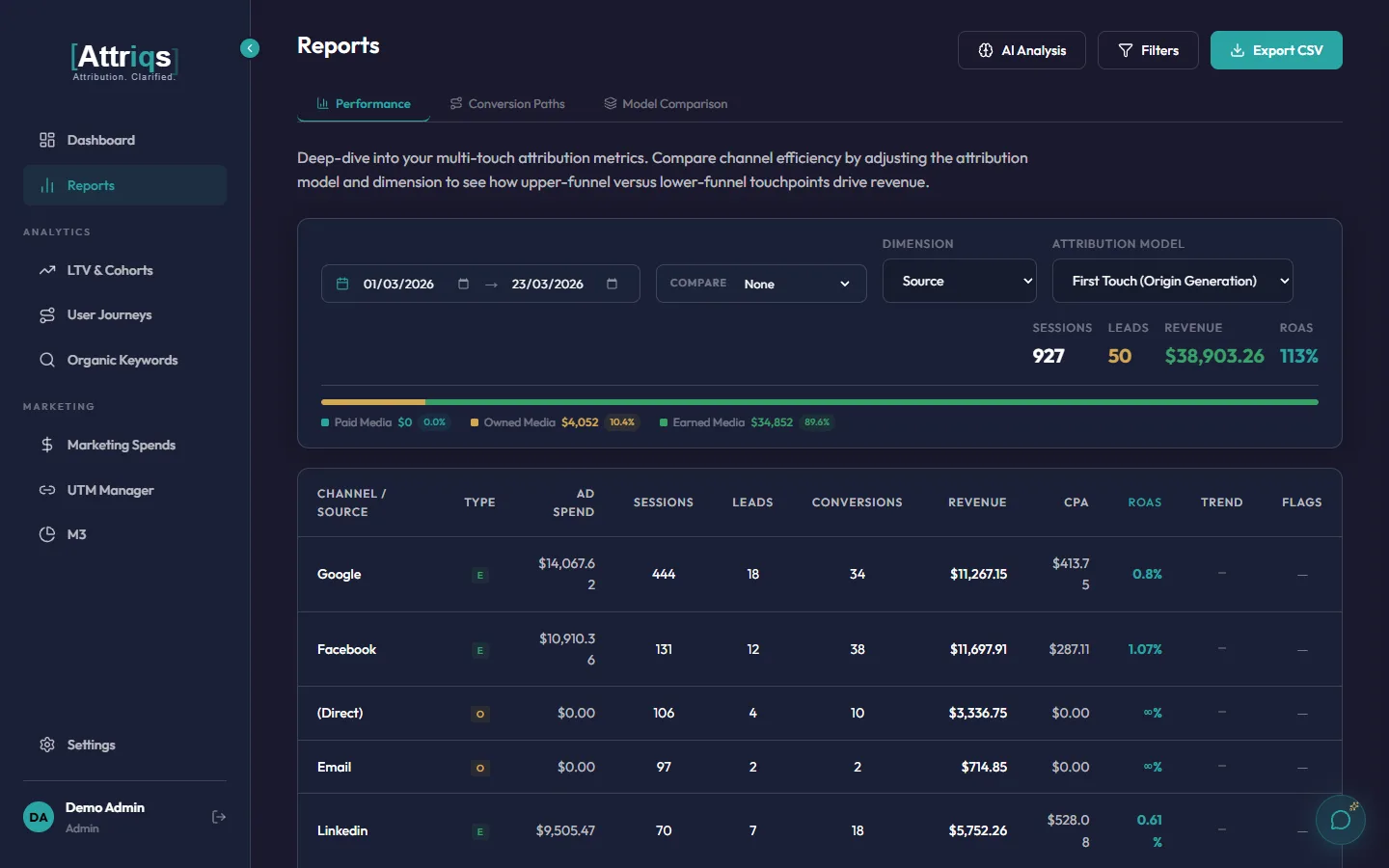
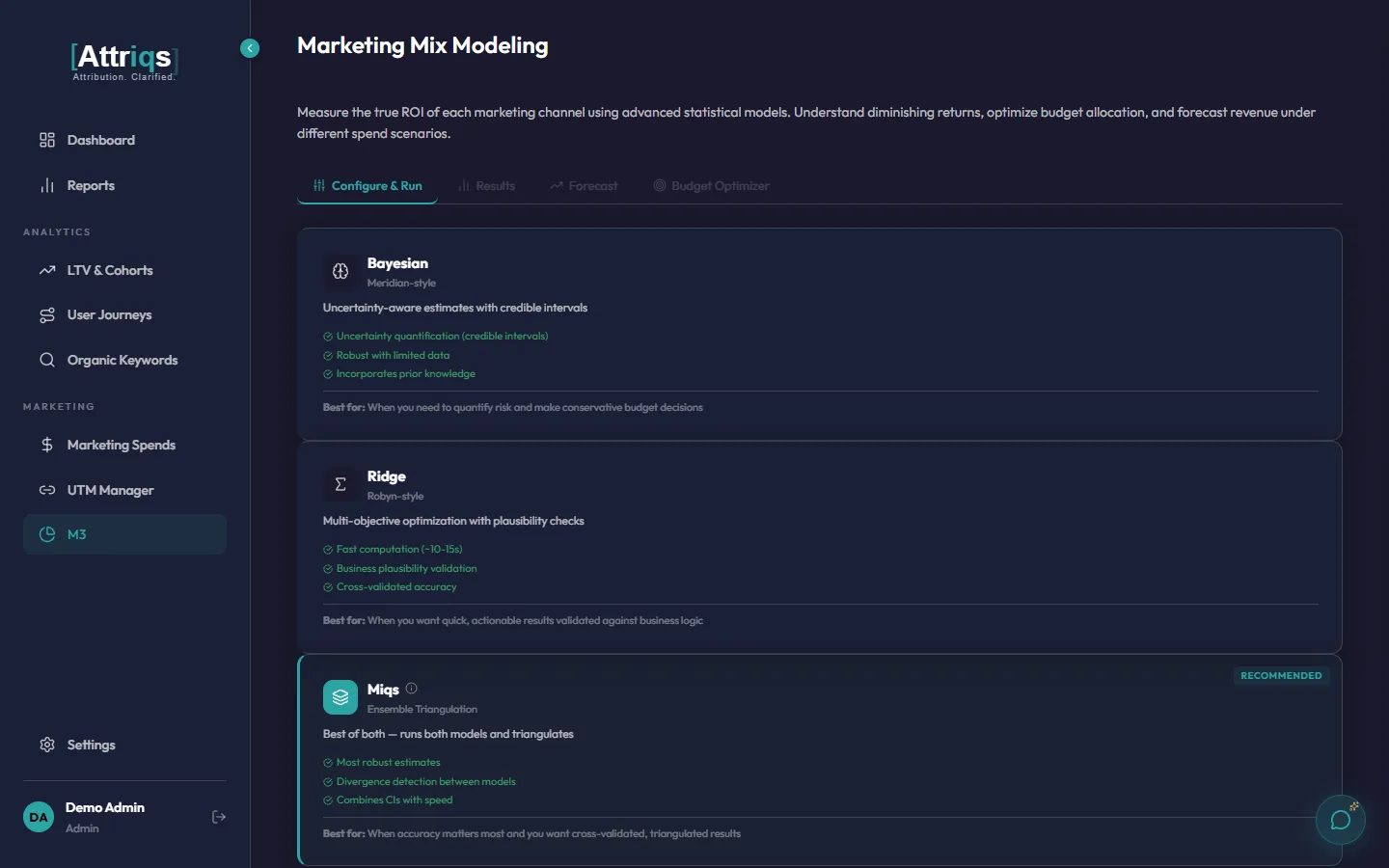
Run six multi-touch attribution models side-by-side to see how credit shifts between channels. Then run marketing mix modeling with three approaches to understand the true impact of each channel on revenue.
- Last Touch, First Touch, Linear, Time Decay, Position Based, Full Path
- Marketing mix modeling: Bayesian, Ridge, and a proprietary Ensemble method
- Response curves showing diminishing returns per channel
- 13-week forward revenue forecasts
- AI Insights and MosAIc™ Chat interpret results in plain language
Optimize
The budget optimiser recommends the optimal spend allocation to maximise revenue. Review the recommendations, then push updated budgets directly to your connected ad platforms with a full audit trail.
- Optimal budget allocation by channel
- Adjustable spend multipliers for scenario planning
- Push optimised budgets to ad platforms with preview
- Complete audit trail of every budget change
- Track model evolution with full run history
What You Can Measure
Attriqs lets you slice attribution across multiple dimensions, so you can see what drives revenue at every level of your marketing.
By Channel
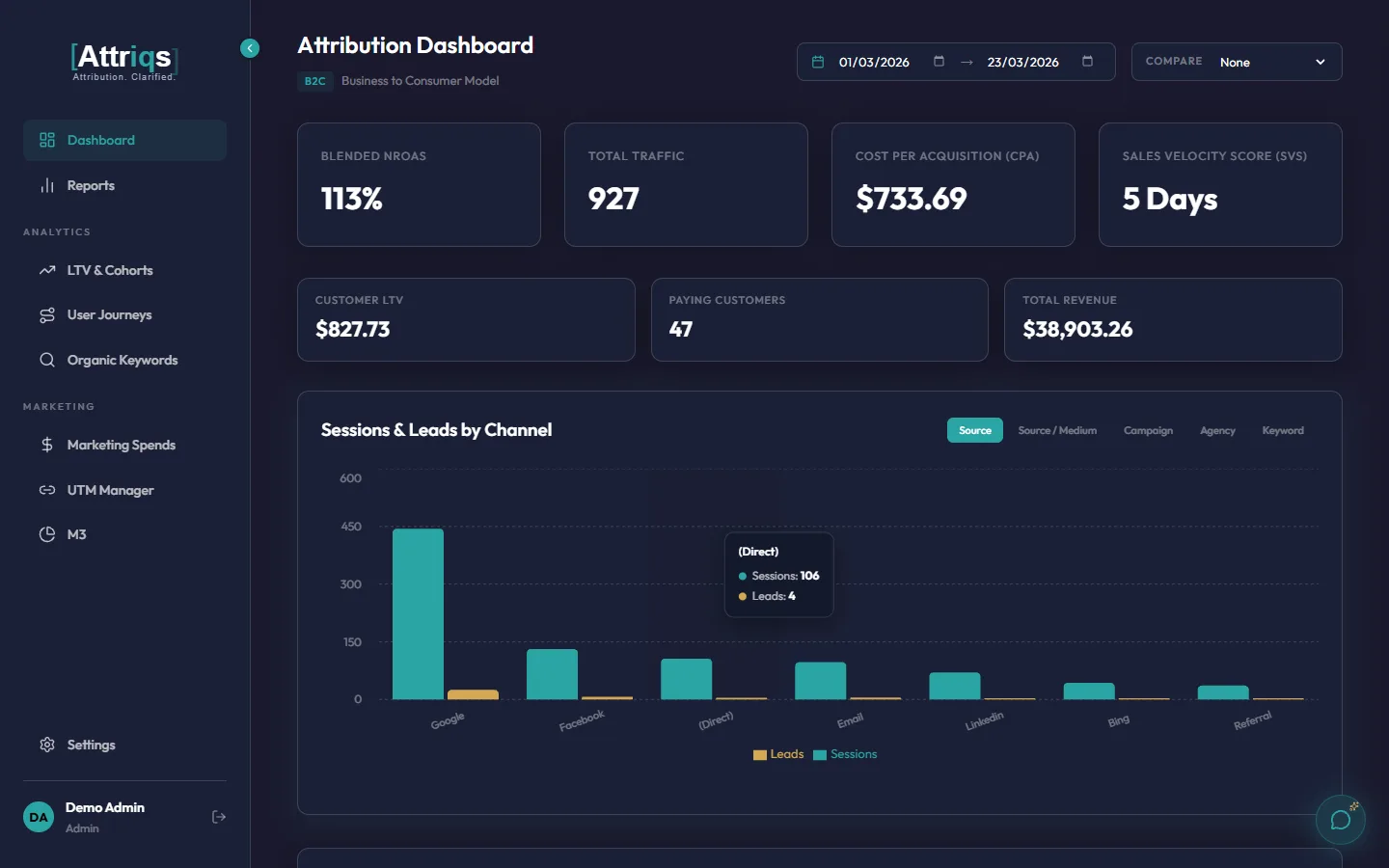
See which channels (Google Ads, Meta, Email, Organic, Direct, Referral) actually contribute to revenue, not just traffic. Compare ROAS, CPA, and revenue share across every channel in one view.
Example: Google Ads drives 40% of sessions but 55% of revenue. Email drives 10% of sessions but 18% of revenue. Direct gets credit it didn't earn.
By Campaign
Go beyond channel-level totals. See which specific campaigns within each channel are performing and which are wasting budget. Identify your top revenue-generating campaigns across all platforms.
Example: "Spring Sale 2026" generated 3.8x ROAS while "Brand Awareness Q1" returned only 0.9x. Both ran on Google Ads, but only campaign-level attribution reveals the difference.
By Source and Medium
Combine source (where visitors come from) and medium (how they got here) for granular analysis. Separate "google / cpc" from "google / organic" to see paid vs organic performance independently.
Example: Google organic drives 2x the LTV of Google paid, but paid drives 5x the volume. Both matter, but for different reasons.
By Keyword
For organic traffic, see which search terms drive the most valuable visitors. Google Search Console integration maps impressions, clicks, and position to estimated revenue impact per keyword.
Example: "marketing attribution tool" drives 12 sessions/month but 8% conversion rate. "what is roas" drives 200 sessions but 0.3% conversion. Both rank on page 1.
By Touchpoint Type
Distinguish between page views, form submissions, phone calls, and chat conversations. See how offline interactions (calls and chats) contribute to the conversion path alongside digital touchpoints.
Example: 34% of converted customers had a phone call in their journey. Without call tracking, that touchpoint gets zero credit.
By Agency
For businesses working with multiple agencies, attribute revenue to the agency managing each campaign. Compare agency performance independently, using data the agencies themselves cannot influence.
Example: Agency A manages Google Ads at 4.2x ROAS. Agency B manages Meta at 2.1x ROAS. Without independent attribution, each agency reports their own numbers.
All dimensions can be combined. Filter by channel, then drill into campaigns, then see individual keywords. Explore all features →
Privacy by Design
Every architectural decision puts your data privacy first.
First-Party Only
All tracking uses first-party data. No third-party cookies or external tracking networks.
PII Hashed at Capture
Personal data is hashed the moment it enters the system. Masked by default in the dashboard.
Data Isolation
Every client workspace is physically separated. No data crossover between tenants.
GDPR & CCPA Ready
Cookie consent tracking, right to deletion, and data export built in.